The power turns off and on repeatedly but the screen doesn't come on... Other codes, other 3.0 codes, all screens don't come on... It's a defective product, right? I couldn't use it even once and threw it in the trash.
Very good, thank you
To get the image, you have to go through a whole process which is quite frustrating, and after installation, you need to have a file called config to be able to change the resolution from 600x800 to 1024x800. The problem is that we can't find the config file, and the seller is not in a hurry to respond to you. As I write these lines, I still haven't found the Config file that needs to be placed in the folder where the program is installed. With pleasure To get the image, you have to go through a whole process that is rather complicated, and after installation, you need to have a file called config to be able to switch from 600x800 resolution to 1024x800. The problem is that you can't find the configuration file and the seller is in no hurry to respond. As I write these lines, I still haven't found the configuration file that needs to be placed in the folder where the program is installed. Best regards.
On the screen there is a sticker that makes it look like the screen is damaged when it is actually functional.
In comparison to my main monitor, the colors are very pale. I am planning to use this as a statistics type panel, to monitor my temperatures, powerdraw etc. And i already had a smaller screen that is controlled by aida software. However, when you install this screen, it is detected as a second monitor, so aida can not control it directly, like the other lcd screen i have. Instead, i need to use the on screen sensor panel, which is slightly less convenient to use, than the configuration of the separate usb lcd screen. Other than that, the install was easy, the software from the website was simple (do remember to restart your pc! Although even windows should also tell you to do that, after you installed the drivers.) The viewing angle (from the side) on this one does seem a little better than on my smaller screen, so that's good!
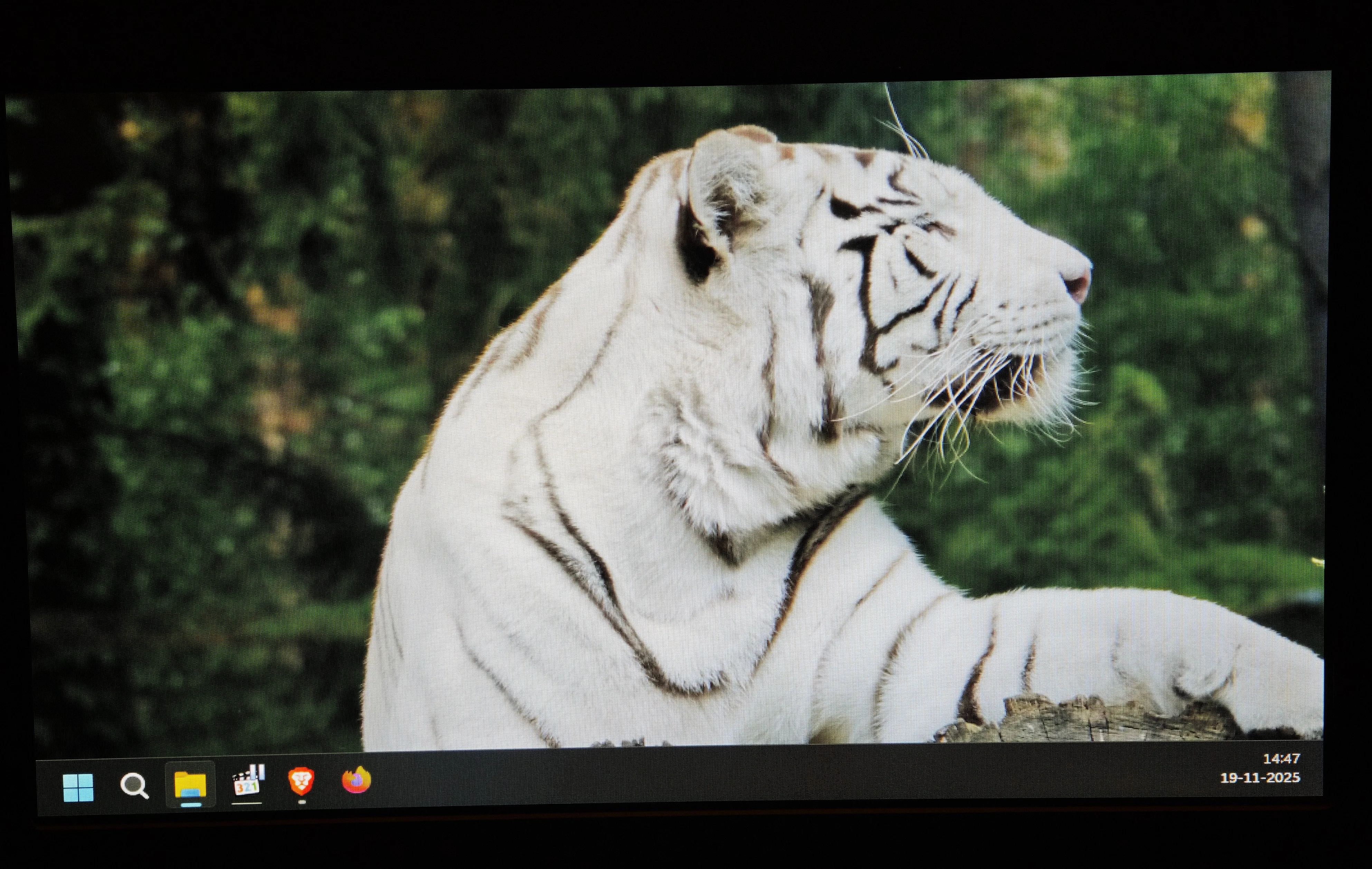
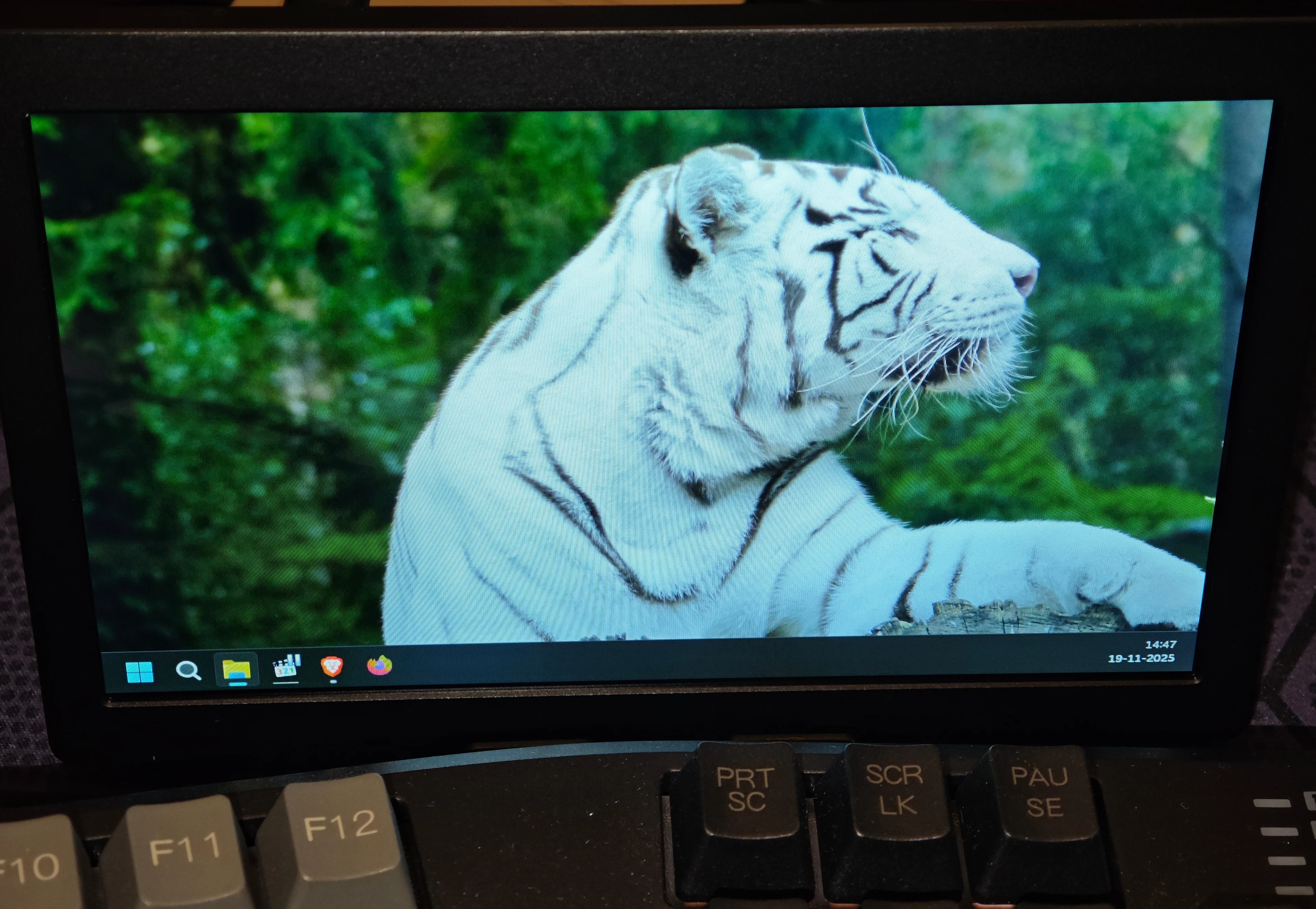
Perfect..... quick installation with the drivers from lcdwiki.com 7inch PC Sub Display ......Perfect for making a Dashboard with the SimHub for Iracing.. Fast shipping and Everything Perfect.. very happy with the purchase.
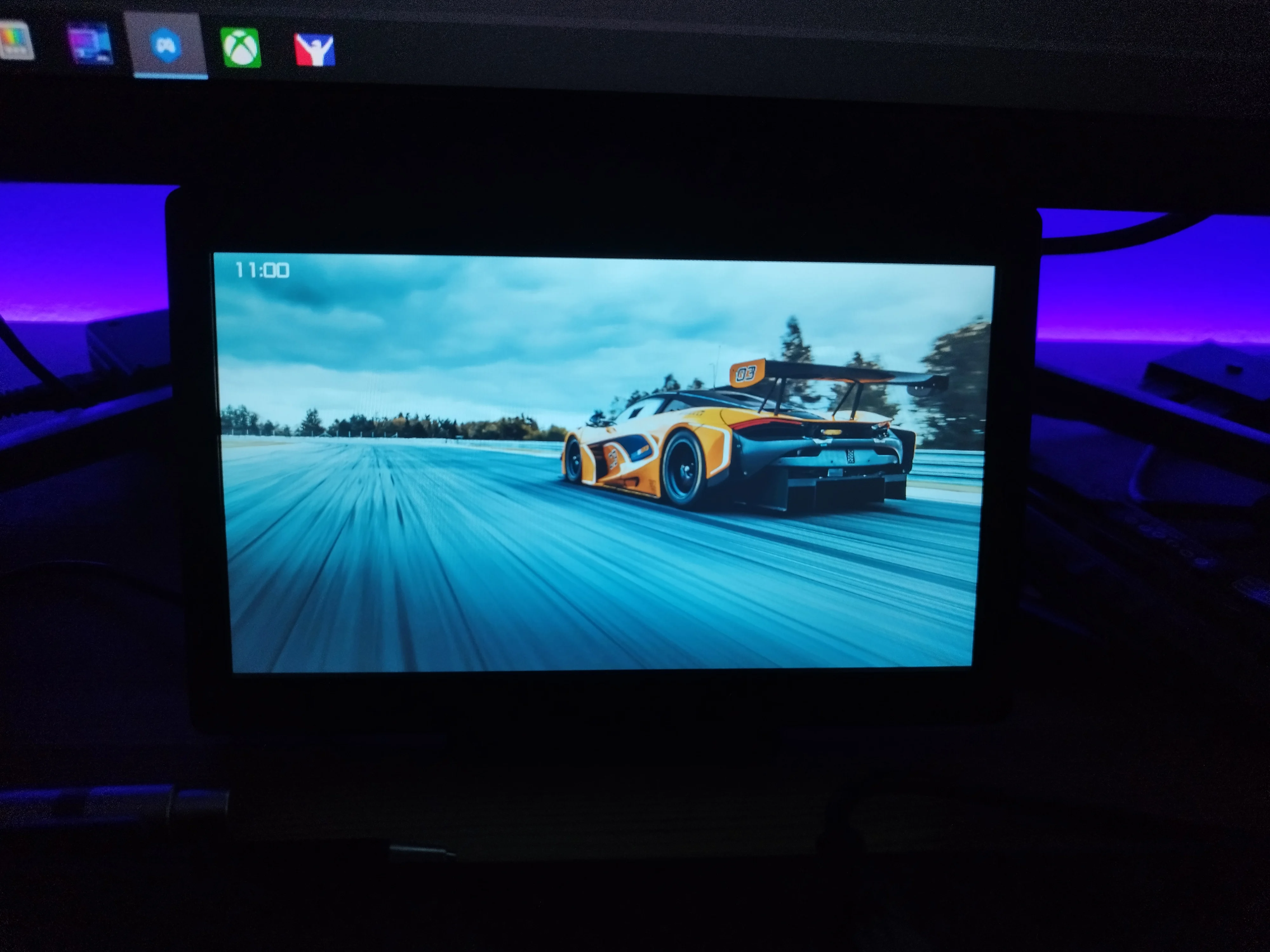
That gave the screen to use as a Dash Board, in my simulator without Racing and it meets expectations. By far, I was looking for a screen that could connect to the PC via USB port and not via HDMI, since I already had all the graphics card slots occupied with the four monitors.
A++
Do not work battle to find the driver online so wast of money
Good communication with the seller, he provided the necessary driver for the screen because it was not delivered with the screen, but after installation, the screen worked well, the image quality was good.
Many thanks fast safe delivery really pleased with the quality a++++++++++++++++++